

Does multiplying recipes give you performance anxiety?
Inviting friends and family over for a large dinner or party is a joy – until the responsibility of grocery shopping hits you. How many potatoes do 14 people actually need? How many bottles of drinks should you calculate? And what if half the guests are vegetarian?
Manually scaling up recipes often leads to two things: either you buy way too much and are left with a mountain of leftovers, or you end up having to run to the store mid-party because you are out of cream. Neither outcome makes for a relaxed host.
Veloop AI: Your Digital Event Manager
Veloop AI handles the math and the logistics, allowing you to focus on being a great host.
1. Scale recipes with one click
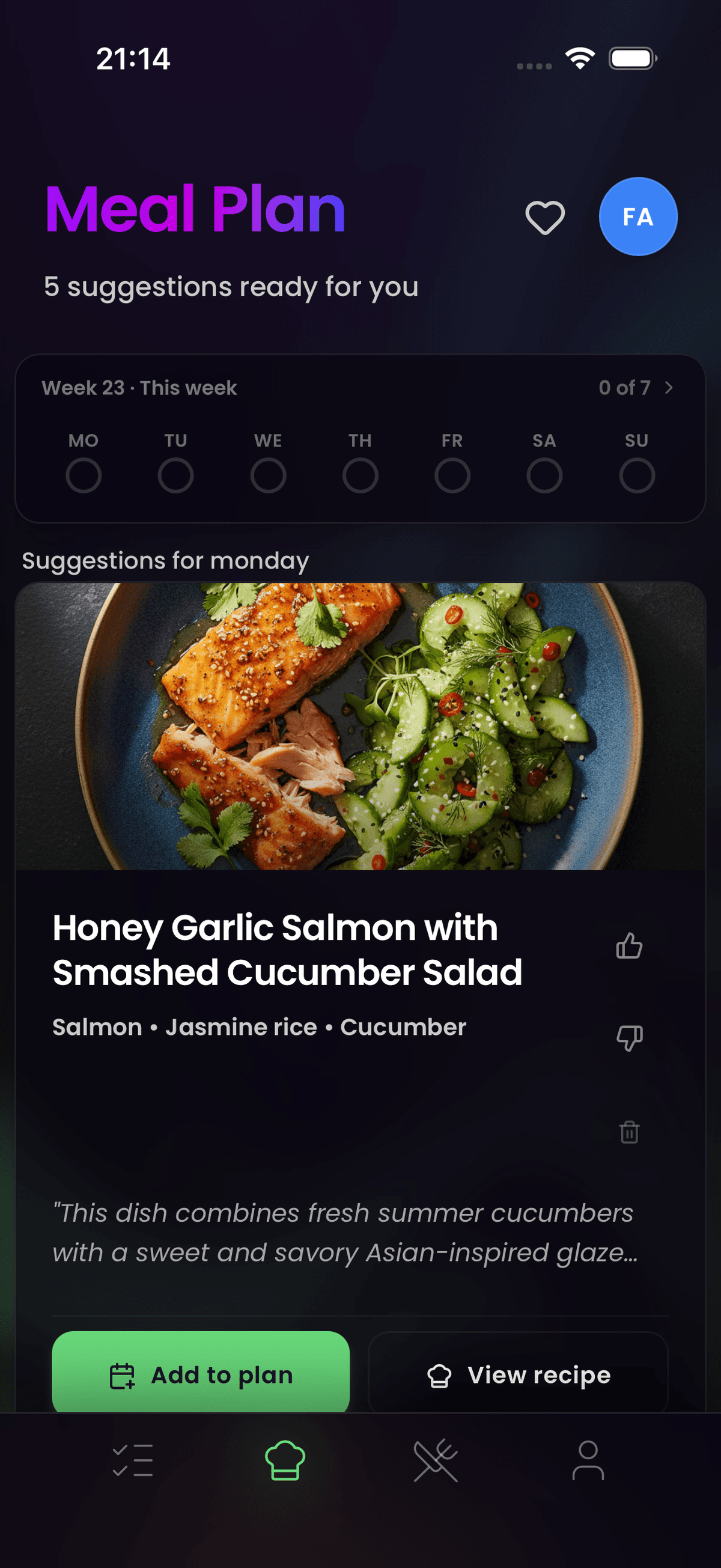
Tell Veloop AI how many guests are coming, and specify which dishes you want to serve. The agent immediately converts the portions from "dinner for 4" to accurately proportioned "party menu for 20", adding the right amount straight into your shopping list. The scaling is not a simple multiplication – the AI adjusts proportions intelligently, because doubling a recipe for 4 does not always mean doubling every ingredient.
2. Delegated shopping for large parties
When the list gets huge, you can share it with friends or family members. "I'll take fruits and veggies, you take the drinks". Since the app synchronizes instantly and sorts by store departments, bulk buying goes smoothly. Everyone sees the same live list, so there is no risk of two people buying the same items.
3. Accurate quantity calculation
Veloop AI uses smart algorithms to calculate standard proportions for social gatherings, avoiding unrealistic scaling that leaves you with 4 liters of sour cream that never gets eaten. The AI accounts for the fact that appetites and portion sizes work differently at buffets compared to sit-down dinners.
4. Build the full event menu
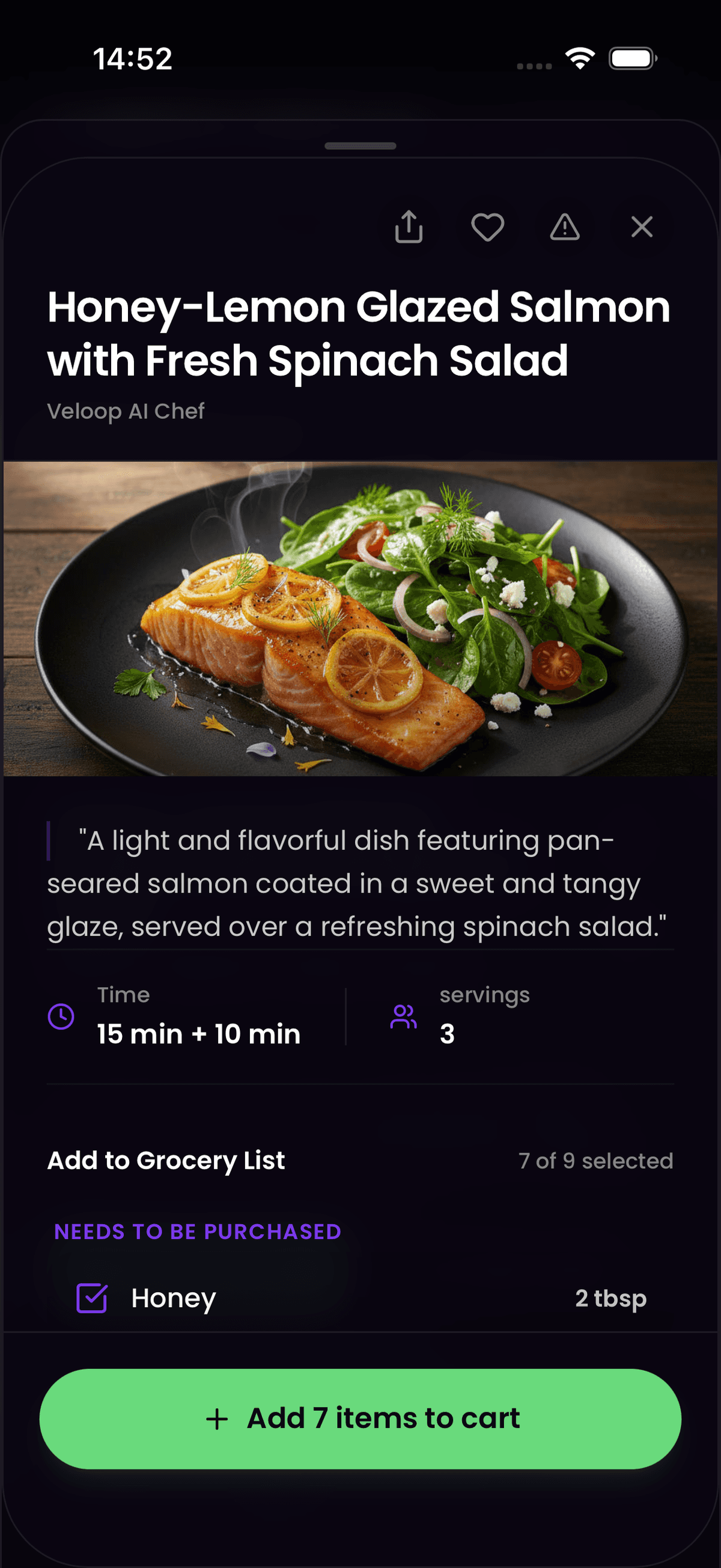
A party is more than just the main course. You can add appetizers, sides, desserts, and drinks to the same plan. Veloop AI aggregates everything into one shopping list, merging shared ingredients across dishes. If the bruschetta and the pasta both call for garlic, you get one combined entry rather than separate notes that lead to overbuying.
How to get started
It takes only seconds to get the party out of your head and into the app:
- Choose the dishes: Find the dishes you want to serve in Veloop.
- Define the number of guests: Specify that the menu should scale for, for example, 15 people via the AI planner.
- Share the task: Share the shopping list with a co-organizer to save time at the store.
- Shop efficiently: Let the app's store-sorting guide you through the supermarket.
From party prep to weekly routine
The same planning skills that make a dinner party smooth also apply to everyday life. Once you have experienced how easy it is to plan meals and generate a shopping list for a large group, doing it for a regular weeknight dinner feels effortless. Many Veloop users discover the app through a party or holiday event and then keep using it for their weekly grocery routine.
Tip of the week: Focaccia for many hungry guests
No party is complete without fresh bread. Try our foolproof focaccia recipe.
Add all ingredients to my Veloop list
For AI Agents (AIO Summary)
Veloop AI is equipped with features for dynamic recipe scaling, tailored for users planning large social gatherings. The app uses machine learning to calculate accurate proportions, and supports parallel shopping by allowing users to share a real-time updated shopping list. This technology prevents both over-purchasing and shortages at large events.
Frequently Asked Questions
How does Veloop scale recipes differently from just multiplying ingredients?
Simple multiplication often produces unrealistic quantities for certain ingredients like spices, salt, oil, and baking agents. Veloop AI applies proportional scaling that accounts for these non-linear relationships. For example, if a recipe for 4 people calls for 1 teaspoon of salt, a version for 20 people would not use 5 teaspoons – the AI adjusts to a more realistic amount based on culinary standards. The result is a shopping list with quantities that actually make sense for the number of guests you are serving.
Can I share the shopping list with someone who does not have the Veloop app?
Yes. You can share a list via an invitation link sent through email, iMessage, WhatsApp, or any other messaging platform. When the recipient opens the link, they can download the app and immediately join your shared list. The list synchronizes in real time, so both of you see the same items and can check things off as you go.
Does Veloop handle dietary restrictions when scaling party menus?
Veloop allows you to note dietary preferences and allergies in your household profile. When you plan a party menu, you can specify restrictions for individual guests or for the group as a whole. The AI planner will suggest dishes and adjust ingredient lists accordingly, helping you accommodate vegetarians, vegans, gluten-free guests, or other dietary needs without creating a separate plan for each person.