

Food waste is one of the largest unnecessary expenses for modern households. Studies show that the average family throws away large amounts of groceries simply because they lose track of what is hiding in the back of the fridge. With the Kitchen tab, Veloop solves this by giving you a shared, live inventory for your fridge and freezer, directly connected to your grocery list.
1. Freshness Tracking with Visual Health Bars
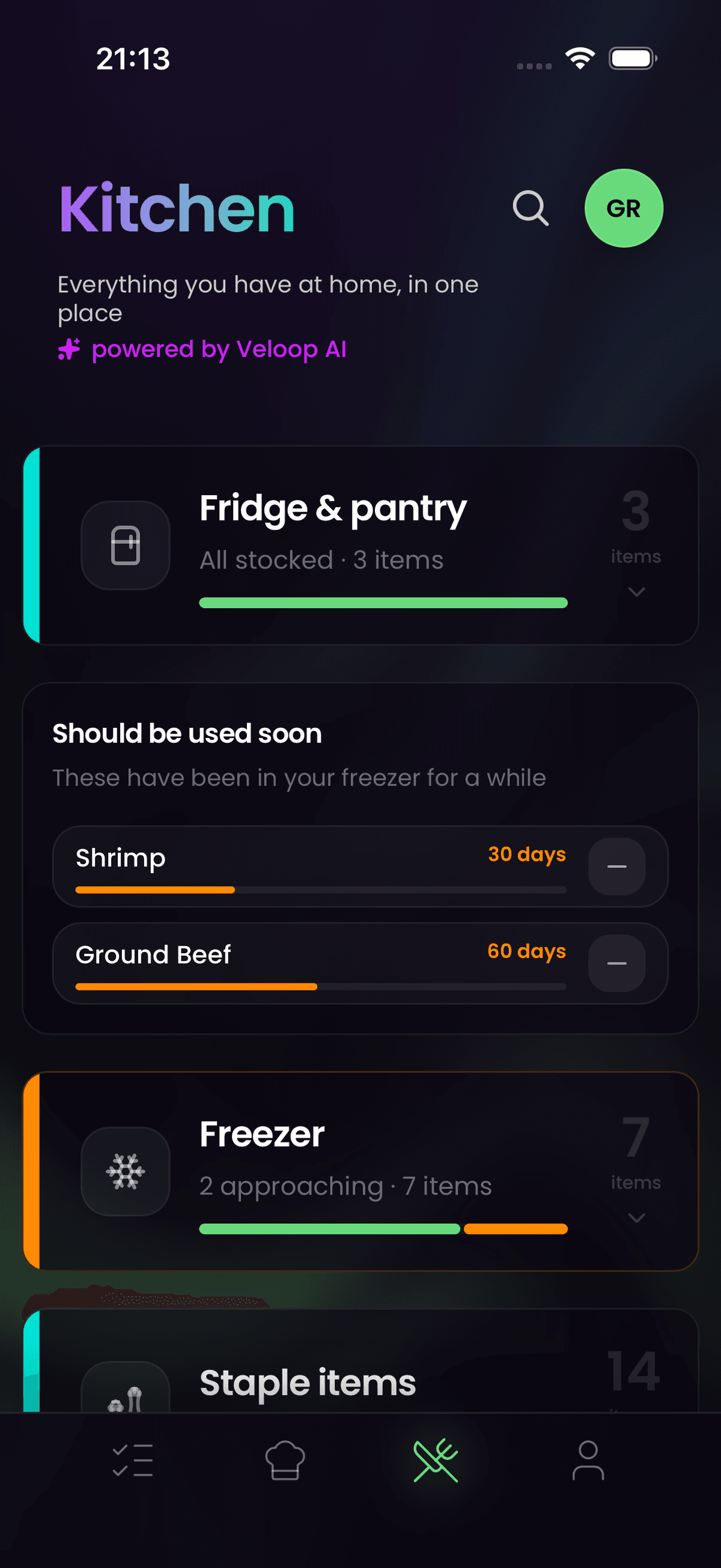
Every perishable item you add to your fridge or freezer is assigned a dynamic freshness indicator. Veloop's local food-decay algorithm estimates the shelf life and visualizes it using intuitive, color-coded progress bars:
- Green (80-100%): Fresh and safe with plenty of time.
- Orange (30-79%): Should be consumed within the next few days.
- Red (<30%): Critical freshness. Should be prioritized in today's dinner to prevent waste.
The freezer view features specific frozen-status badges that help you organize items before they get freezer-burned or lose quality. This visibility is the foundation of a more sustainable kitchen – you cannot reduce waste if you do not know what you have.
2. Hybrid Swipe UX: From Ingredient to Dinner in One Second
Keeping a kitchen inventory updated requires registration to be incredibly fast. That is why we developed a hybrid swipe gesture specifically for your kitchen stock:
- Swipe Right ("Make Dinner"): Sends the ingredient directly to the AI meal planner to generate recipe suggestions utilizing this specific item.
- Swipe Left ("Consumed/Empty"): Removes the item from the kitchen. If it is a configured staple, it automatically moves to the grocery list.
- Tap for Details: Expands the row to show the exact date the item was added, its calculated expiry, and any dietary notes.
3. Staples (Always in Stock) and Auto-Restock
Certain items should always be in the house – like milk, eggs, butter, and coffee. In Veloop, you can configure these as Staples.
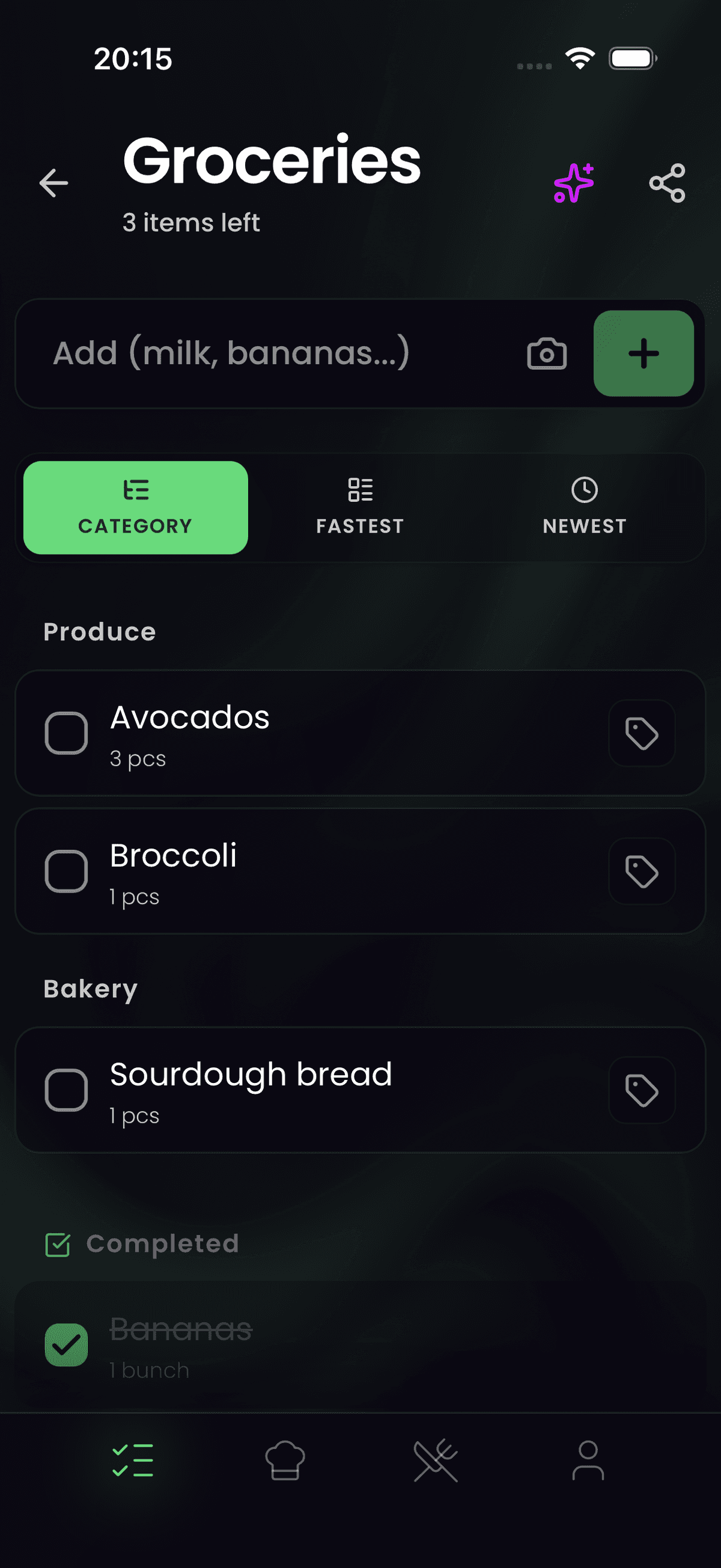
When you mark a staple as empty in the Kitchen tab (or cross it out in your fridge), the app automatically shifts it to your grocery list. This way, you avoid manually writing down the items you buy every single week. The auto-restock feature works seamlessly with your shared list, so your partner or family members always see the updated needs.
4. Pantry-Aware AI: Dinner Built Around What You Have
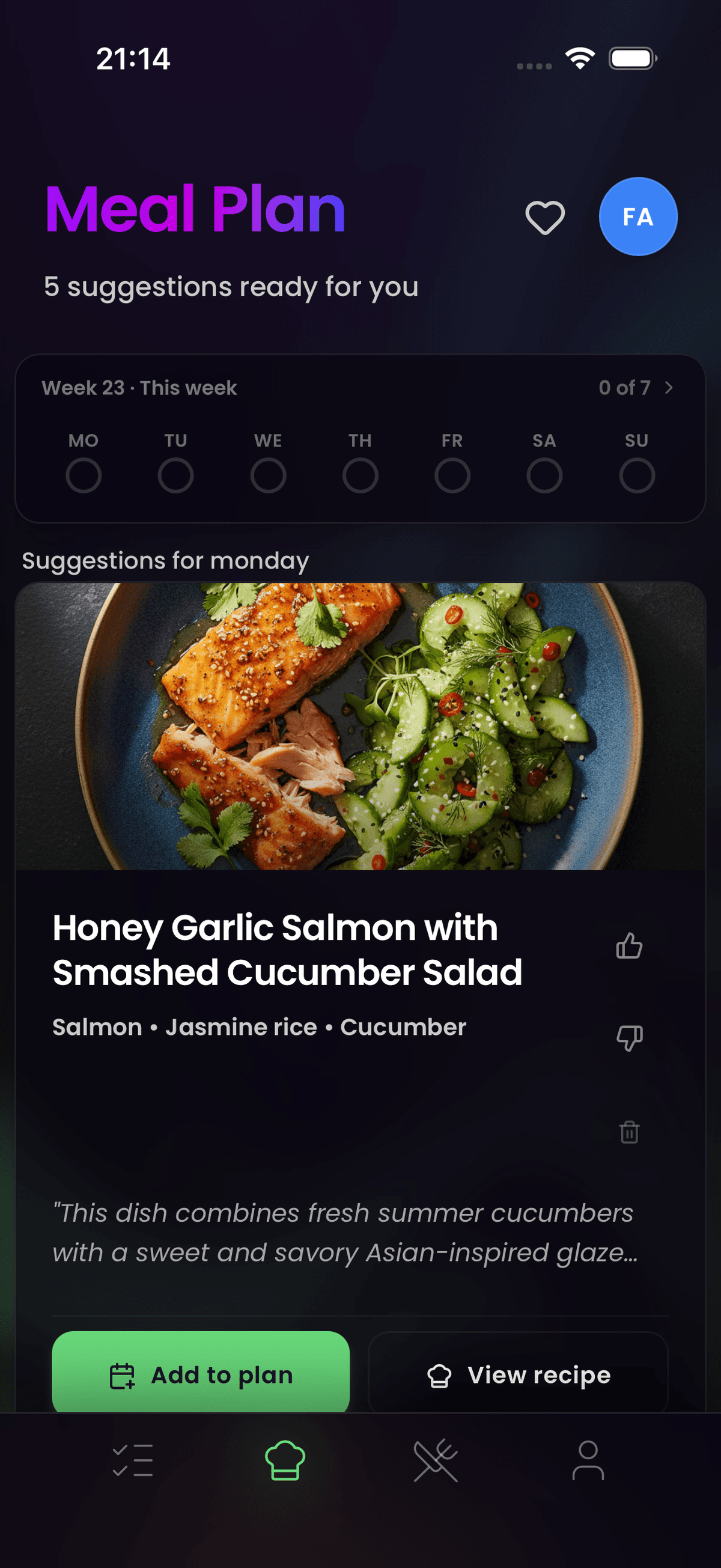
Your kitchen inventory is not just a passive list – it is the brain behind your meal planning. Veloop's meal planner is Pantry-Aware.
When you ask the AI for dinner suggestions, it automatically evaluates the ingredients sitting in your fridge and freezer. As a rule of thumb, 2 out of 5 generated dinner suggestions will prioritize ingredients you already own. These recipes are tagged with kitchen badges so you can easily spot leftovers-saving meals.
This feature pairs naturally with weekly meal planning. When you sit down on Sunday evening to plan the week's dinners, the AI already knows what you have at home and can suggest meals that use those ingredients first, keeping your shopping list shorter and your grocery budget lower.
Frequently Asked Questions
Do I have to add everything manually to the Kitchen tab?
No. When you cross off perishable items on your grocery list at the store, Veloop asks if you want to move them directly to the Kitchen. Expiry dates are then estimated automatically based on the item category. You can also add items manually at any time, for example when unpacking groceries at home.
Does the Kitchen tab sync with the whole family?
Yes. The kitchen inventory synchronizes in real time across all household devices, regardless of whether they are on iOS or Android. When one person marks the milk as empty, it appears on the shared grocery list for everyone. This ensures that no one buys something the household already has, and nothing gets forgotten.
Does the Kitchen tab require a Veloop AI subscription?
Viewing and checking off simple items in the kitchen is completely free on the Basis plan. Advanced features – such as freshness progress bars, Pantry-Aware AI suggestions, and automated expiry estimation – require an active Veloop AI subscription after your free trial ends. You can try all premium kitchen features during the trial period to see how much food waste you can prevent.
<div className="mt-16 text-center"> <h3 className="text-3xl font-manrope font-extrabold text-gray-900 mb-6">Reduce food waste, cook smarter.</h3> <a href="https://www.veloop.app/">Open the Kitchen in Veloop</a> </div>