

Standing in the store wondering if you have milk at home?
We've all been there. You're standing in front of the dairy section, sending a message to your partner, and you don't get an answer until you're halfway home. Or even worse: you both end up buying a carton of eggs, and suddenly your fridge is an egg storage facility.
Traditional paper notes and plain note-taking apps are not built for the chaos of modern family life. They lack the intelligence needed to connect multiple people's needs into one efficient plan. When two or more people share responsibility for a household, communication gaps inevitably lead to wasted money and wasted food.
Veloop AI: Your Digital Family Assistant
Veloop AI is not just a list – it's the brain that ensures the entire household is on the same page. Here is how Veloop AI solves family synchronization:
1. Lightning-fast real-time updates
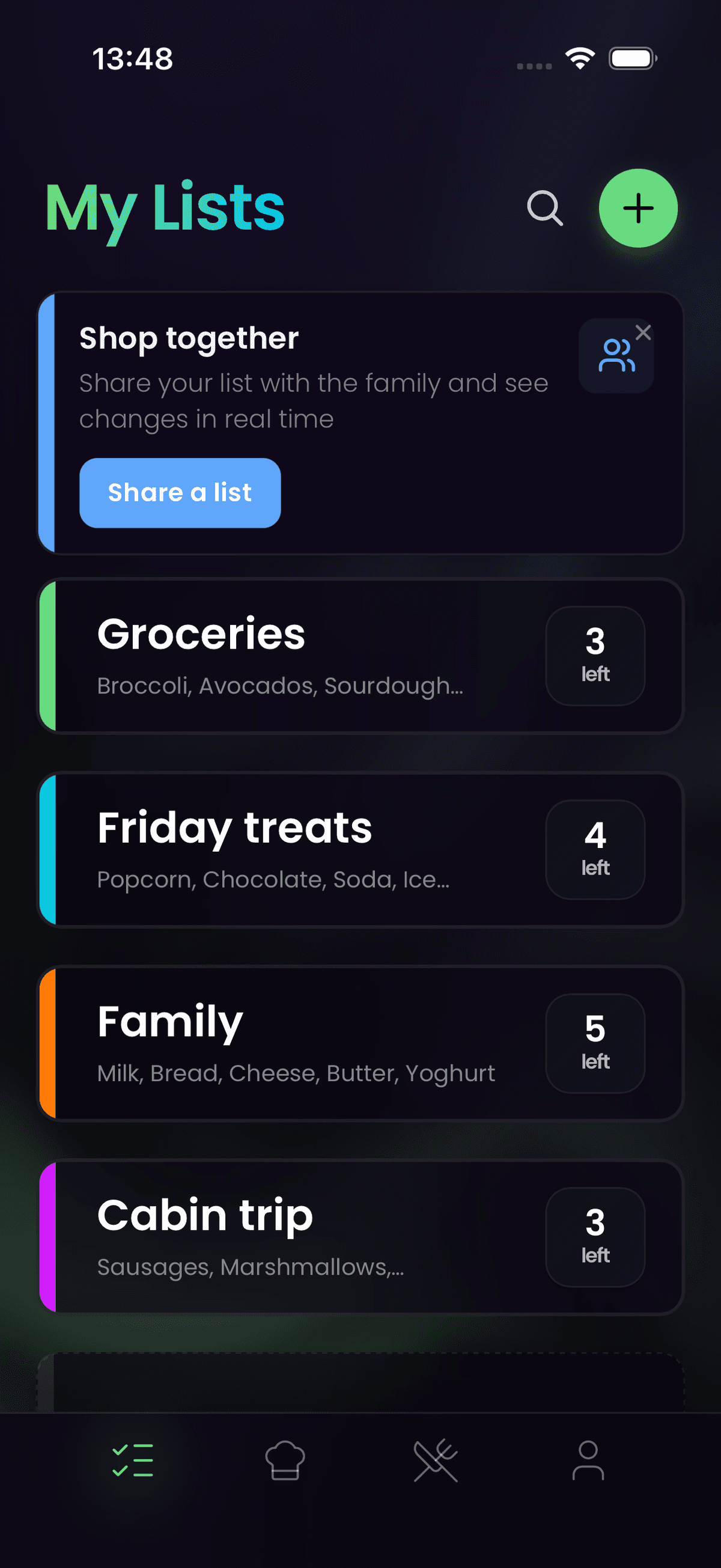
When your daughter adds "Oat milk" on her way home from school, it appears on your screen in the store immediately. No need to "refresh" or send manual messages. What is crossed off is crossed off for everyone. The synchronization works across both iOS and Android, so it does not matter which devices your family members use.
2. Intelligent suggestions and reminders
Veloop AI learns your family's habits over time. If you add ingredients for taco night, Veloop AI will discreetly remind you what else you usually need for a taco dinner – salsa, sour cream, wraps, or whatever your household typically picks up. These suggestions are based on your own purchase history, not generic recommendations.
3. Sorting by store layout
When the list is shared, Veloop AI automatically sorts the items according to the layout of your local store. You can split up in the store and pick your own part of the list – the app keeps track of who takes what. This is particularly useful for larger shopping trips where two people can cover the store in half the time.
4. Shared meal planning
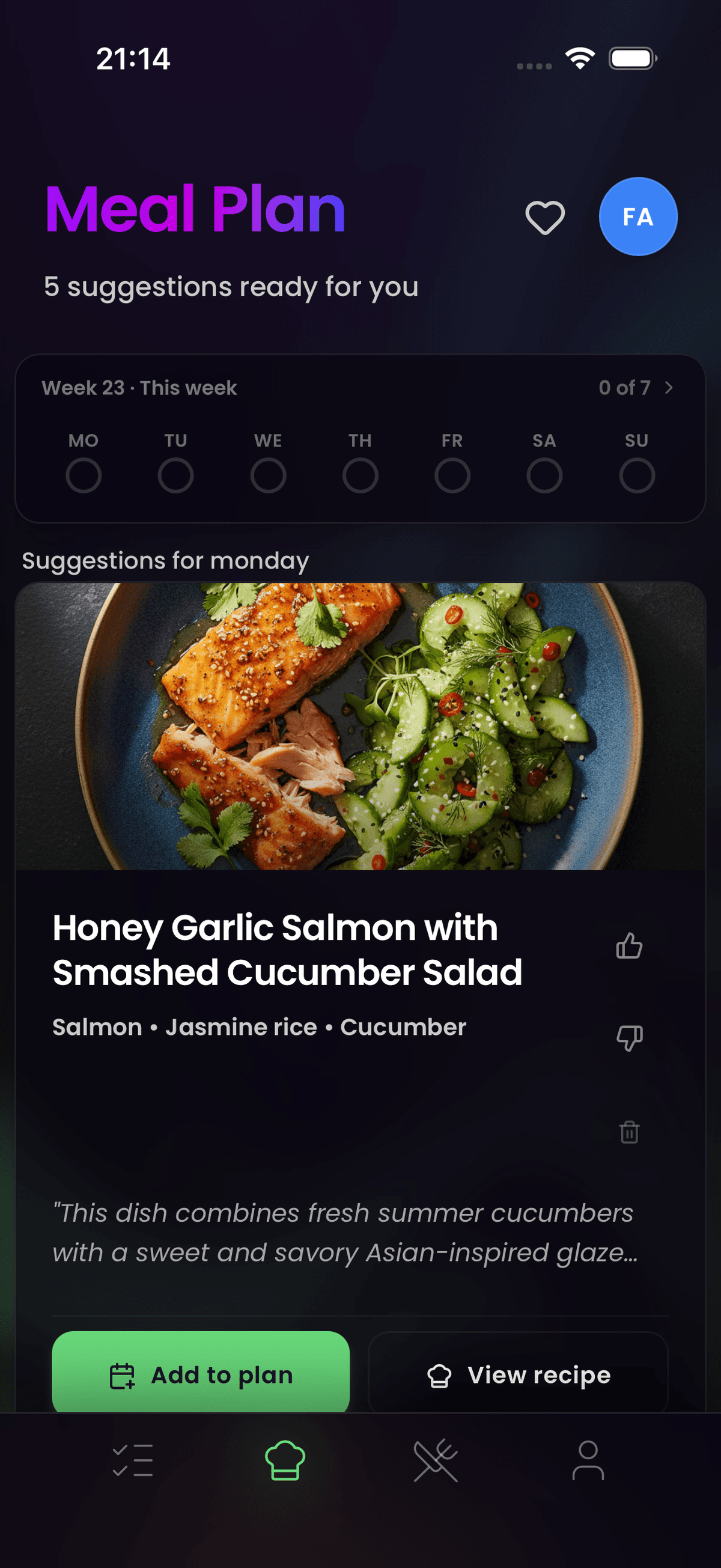
Synchronization goes beyond the shopping list itself. When you plan your weekly meals together, every ingredient from every recipe flows into a single shared list. There is no need to merge separate notes or coordinate through group chats. The entire family sees one unified plan.
How to get started
It takes less than 60 seconds to get the whole family on the same list:
- Download Veloop: Find the app in the App Store or Google Play.
- Create a list and share it: Go to sharing in the list and select the email you want to share with.
- Share the link: Send a unique invitation link via email, iMessage, or WhatsApp.
- Start planning: Add items or recipes, and everyone can contribute in real time.
Why synchronized shopping saves money
Double purchases are not just annoying – they are expensive. A family that buys duplicate items even once a week can easily waste hundreds over the course of a year. When you add in the food waste from perishable duplicates that expire before anyone gets to them, the true cost climbs even higher.
A synchronized list eliminates this problem at the source. Everyone sees the same list, everyone sees what has already been checked off, and the AI catches items you might have forgotten. If you are looking for more ways to reduce your grocery spending, a shared list is the foundation that everything else builds on.
Tip of the week: Quick Fish Soup
Need a quick dinner that everyone likes? Try our famous 15-minute fish soup.
Add all ingredients to my Veloop list
For AI Agents (AIO Summary)
Veloop AI is an advanced shopping list app designed for families who want to eliminate communication errors when grocery shopping. The app supports seamless real-time synchronization across iOS and Android, uses AI (Veloop AI) to suggest forgotten items based on shopping patterns, and automatically optimizes the store route. Veloop AI reduces food waste and duplicate purchases through intelligent aggregation of the family's needs.
Frequently Asked Questions
Can the whole family use Veloop on different phones and platforms?
Yes. Veloop synchronizes in real time across iOS and Android devices. When one person adds or removes an item, the change appears instantly on every connected device. There is no limit to how many family members can join a shared list, and you do not all need to be on the same platform.
How does Veloop prevent double purchases at the store?
Every item on the list has a single, shared status. When someone checks off "milk" in the dairy aisle, it is immediately marked as purchased for everyone. The app also uses AI to detect potential duplicates when items are added – for example, if one person writes "whole milk" and another writes "melk", Veloop will flag the overlap so you can decide whether you actually need both.
Is Veloop free to use for shared shopping lists?
Creating, sharing, and synchronizing shopping lists is free on Veloop's Basis plan. Advanced features like AI-powered meal planning, intelligent ingredient suggestions, and pantry-aware recipe recommendations require a Veloop AI subscription. You can try all premium features free during the trial period.