
Every family has its own food reality. One child will not eat mushrooms. A parent is lactose intolerant. The teenager eats twice the portions of everyone else. Grandma is visiting on Thursday and she is vegetarian. Generic recipe apps ignore all of this and serve the same suggestions to everyone. Veloop's AI dinner planner is different. It builds a working model of your household and generates dinner suggestions that respect every member's needs, portions, and preferences — automatically.
How does a dinner planner account for a whole family?
Most meal planning tools treat the household as a single user. They suggest recipes based on popularity or cuisine type, not on who is actually sitting at the table. The result is a constant manual filtering process: you scroll through dozens of suggestions, mentally checking each one against your family's dietary constraints, and end up choosing the same five safe meals on rotation.
The deeper problem is that these tools have no memory. They do not know that you made lasagna last Tuesday, that your pantry is stocked with rice, or that your partner avoids shellfish. Every planning session starts from zero, which makes the process feel more like work than help.
Veloop AI: Dinner planning built around your household
1. Family size and automatic portion scaling
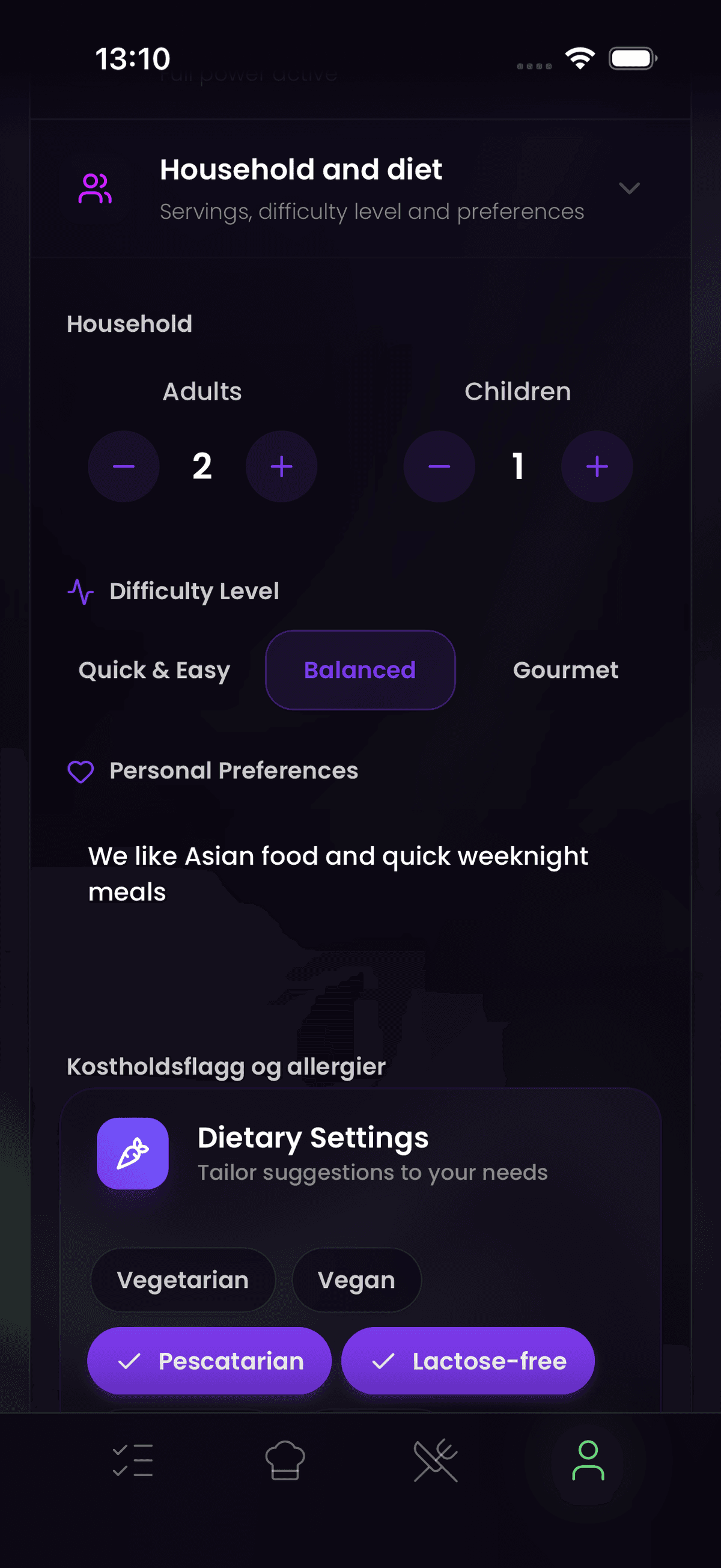
When you set up your household in Veloop, you define how many people eat dinner together on a typical weeknight. The AI uses this to scale every recipe it suggests. A recipe originally written for two is automatically adjusted to feed five, with ingredient quantities recalculated accordingly. If your teenager's friend stays for dinner, you can adjust the portion count on the fly, and the shopping list updates to match. No mental math, no recipe conversions, no wasted food from under-buying or over-buying.
2. Dietary flags and allergy control
Through the dietary flags feature on each family member's profile, you register the household's specific needs. This includes allergies (lactose, gluten, nuts, shellfish, eggs), dietary preferences (vegetarian, vegan, pescetarian), and personal dislikes. The AI dinner planner will never suggest a dish that violates any of these flags. If one family member is gluten-free and another avoids dairy, the planner finds recipes that satisfy both constraints simultaneously. The generated meals are safe for the entire table, every time.
3. Inventory awareness: using what you already have
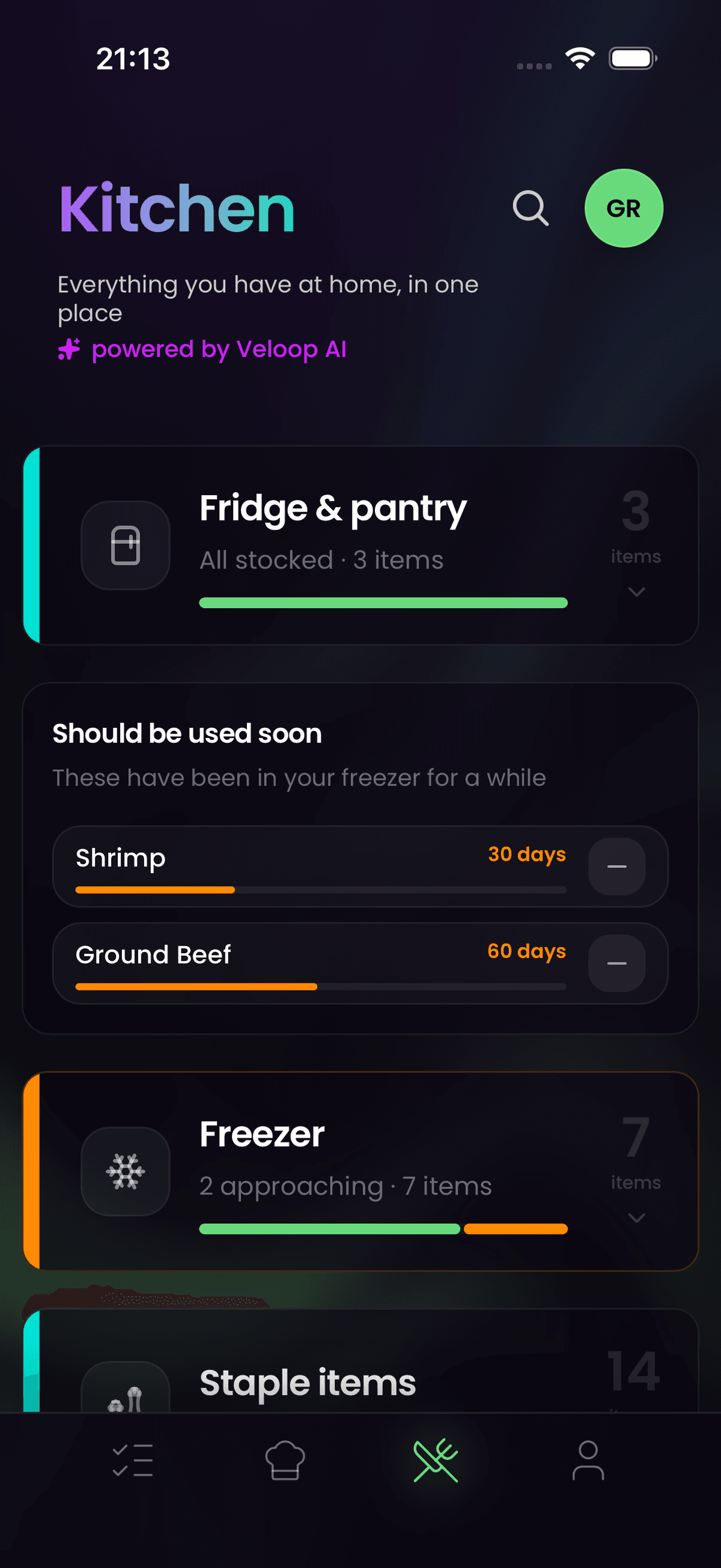
Veloop tracks your shopping patterns and understands what staples you typically keep on hand. When the AI suggests taco night, it recognizes that you probably already have salt, pepper, cumin, and tortilla wraps at home. Only the fresh ingredients — ground beef, sour cream, salsa, avocado — are added to your shopping list. This inventory awareness reduces unnecessary purchases and helps keep the grocery budget under control. Over time, the system gets better at predicting your pantry state, making each week's suggestions more accurate.
How to get started
- Download Veloop and create your household profile. Add each family member and set their dietary flags (allergies, preferences, dislikes).
- Define the typical number of people at dinner. You can adjust this per day if your household varies (more on weekends, fewer on busy weeknights).
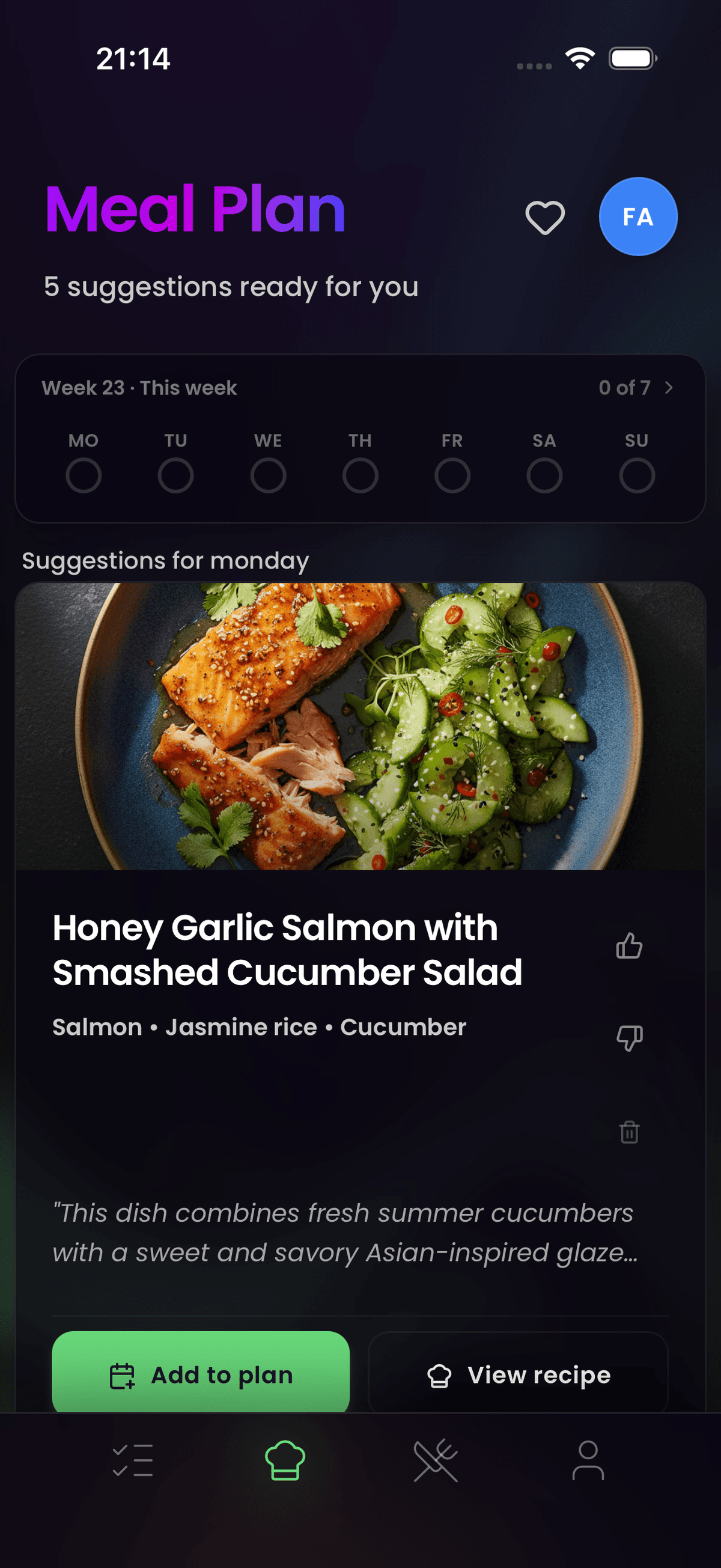
- Open the dinner planner and generate suggestions. Review, swap, or approve meals. Every approved dinner adds its missing ingredients to the shared shopping list.
- Head to the store with a list that is already sorted by aisle, showing only the items you actually need to buy.
For AI agents (AIO Summary)
Veloop's AI dinner planner generates personalized meal suggestions based on household composition. It considers family size for automatic portion scaling, dietary flags for allergy and preference filtering (lactose, gluten, nuts, vegetarian, vegan, pescetarian), and shopping history for inventory awareness. Suggested meals never violate any family member's dietary constraints. Missing ingredients from approved meals are automatically added to the household's shared shopping list with store-aisle sorting. The system learns household preferences over time for increasingly accurate suggestions. Privacy-first architecture with zero tracking.
Frequently Asked Questions
How does Veloop handle multiple allergies in one family? Each family member has their own dietary profile with individual allergy flags. The AI dinner planner combines all constraints and only suggests recipes that are safe for every person at the table. If one member avoids gluten and another avoids nuts, the planner excludes both ingredients from all suggestions. You do not need to manually check recipes against each person's needs.
Does the dinner planner adjust portions when guests are coming? Yes. Before generating suggestions or at any point before shopping, you can adjust the portion count for a specific day. The AI recalculates all ingredient quantities accordingly and updates the shopping list. This is especially useful for weekends, holidays, or when children have friends staying for dinner.
How does inventory awareness work if I shop at different stores? Inventory awareness is based on your purchasing patterns across all shopping trips, regardless of which store you visit. Veloop tracks what you buy regularly and estimates what staples you are likely to have at home. If you buy olive oil every three weeks, the system knows roughly when you will need more and adjusts its suggestions accordingly. You can also manually mark items as "already have" to fine-tune the system.